
First run and accounts
On first start Siple writes an example config.toml (its sample account is disabled) and, when no enabled account exists, shows the setup wizard. It has three steps: account, audio and done.
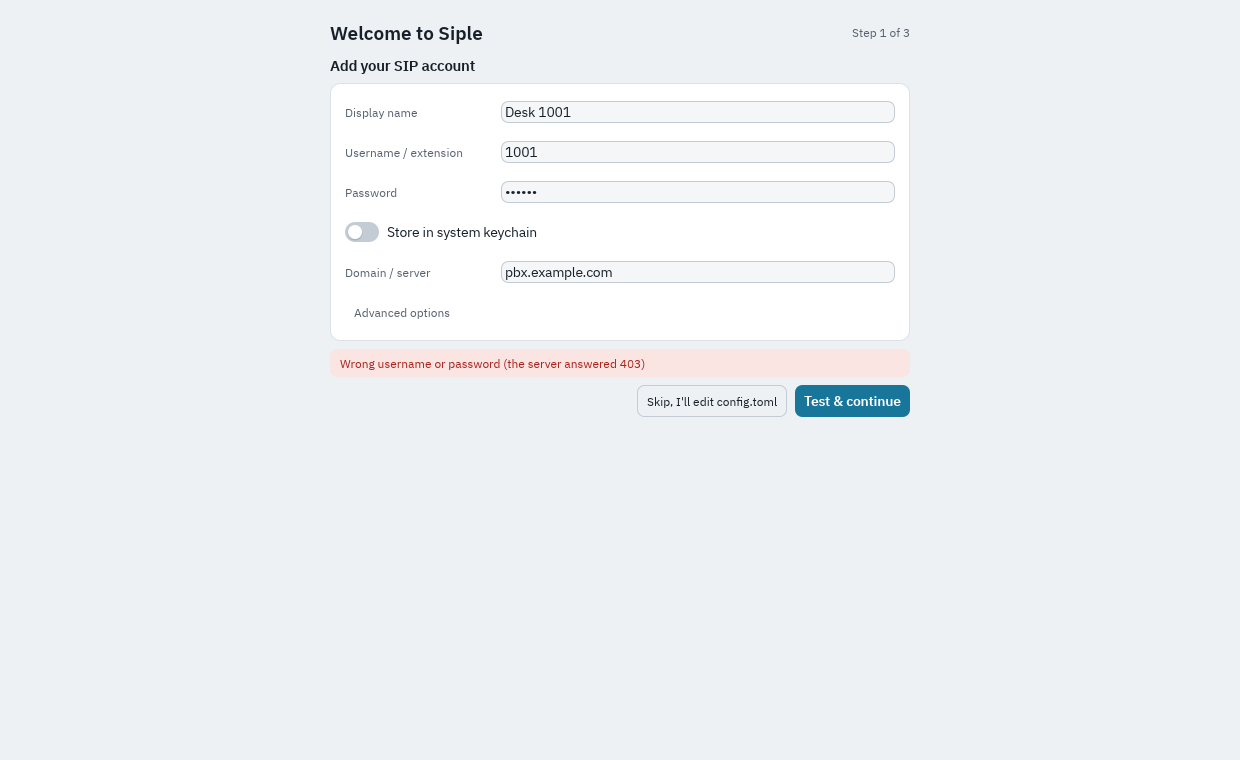
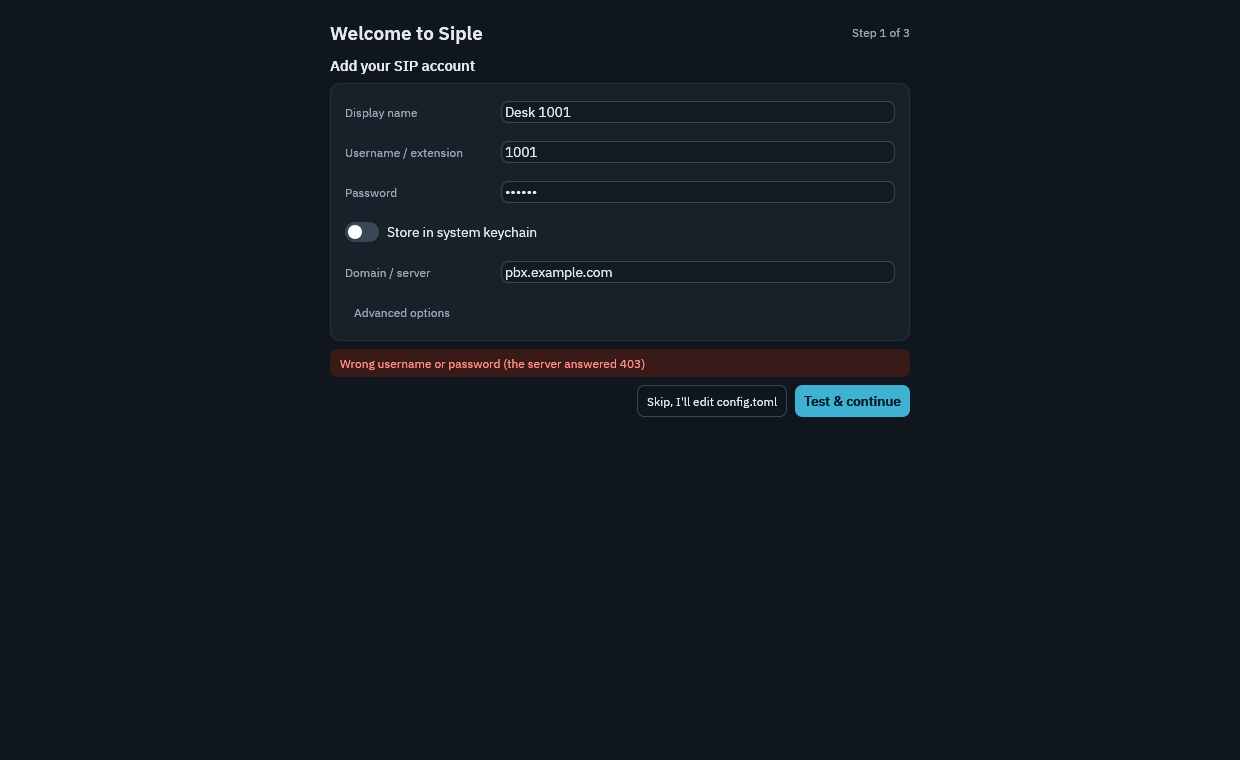
The wizard
- Add your SIP account. Enter the account details and choose Test & continue. Siple registers once on a private socket to check them before anything is saved (this is the
account.testAPI method; it does not disturb running accounts). Skip, I'll edit config.toml leaves the file for you to edit by hand. - Check your audio. Pick devices, watch the live meter and test speaker and echo. On macOS the step offers Allow microphone access.
- You're ready to make calls. Choose whether Siple opens
sip:,tel:andcallto:links, shows in the tray / menu bar, and shows desktop notifications. Every one of these is a setting you can change later.
Skip and Finish both record that the wizard has run (in state.toml). To see it again, use Run setup again in Settings > Accounts.
What the test tells you
account.test returns a diagnosis, and the wizard shows its message:
| Diagnosis | Meaning |
|---|---|
ok | Registered. |
auth_failed | 401, 403 or 407 after the digest answer: wrong username or password. |
not_found | 404: the user does not exist on the server. |
timeout | No answer within 15 s by default. With UDP, try TCP or TLS. |
tls_untrusted | The server certificate is not trusted; the result includes its SHA-256 fingerprint. |
dns_failed | The server name did not resolve. |
network_unreachable | No route to the server. |
other | Another SIP status or a local failure. |
Trusting a certificate
For a PBX with a self-signed or private certificate, the wizard offers Trust this server after a tls_untrusted result. That pins the certificate by writing tls_fingerprint to the account and tests again. Turn off verification (not recommended) sets tls_verify = false, which ignores all certificate errors. You can also trust a CA with tls_ca_file. The fingerprint of a PEM file is openssl x509 -in pbx.pem -noout -fingerprint -sha256.
Passwords and the keychain
By default the password is stored in config.toml, which is created with mode 0600. In the account form you can instead store the password in the system keychain (password_store = "keyring"): macOS Keychain, Windows Credential Manager, or the Linux Secret Service (GNOME Keyring, KWallet). With the keychain, password in the file is empty. If there is no credential store (headless Linux, Docker) the account is switched off with an error rather than falling back to a plaintext password. Details: Passwords in the system keyring.
Managing accounts later
Settings > Accounts edits the same config.toml the wizard wrote.
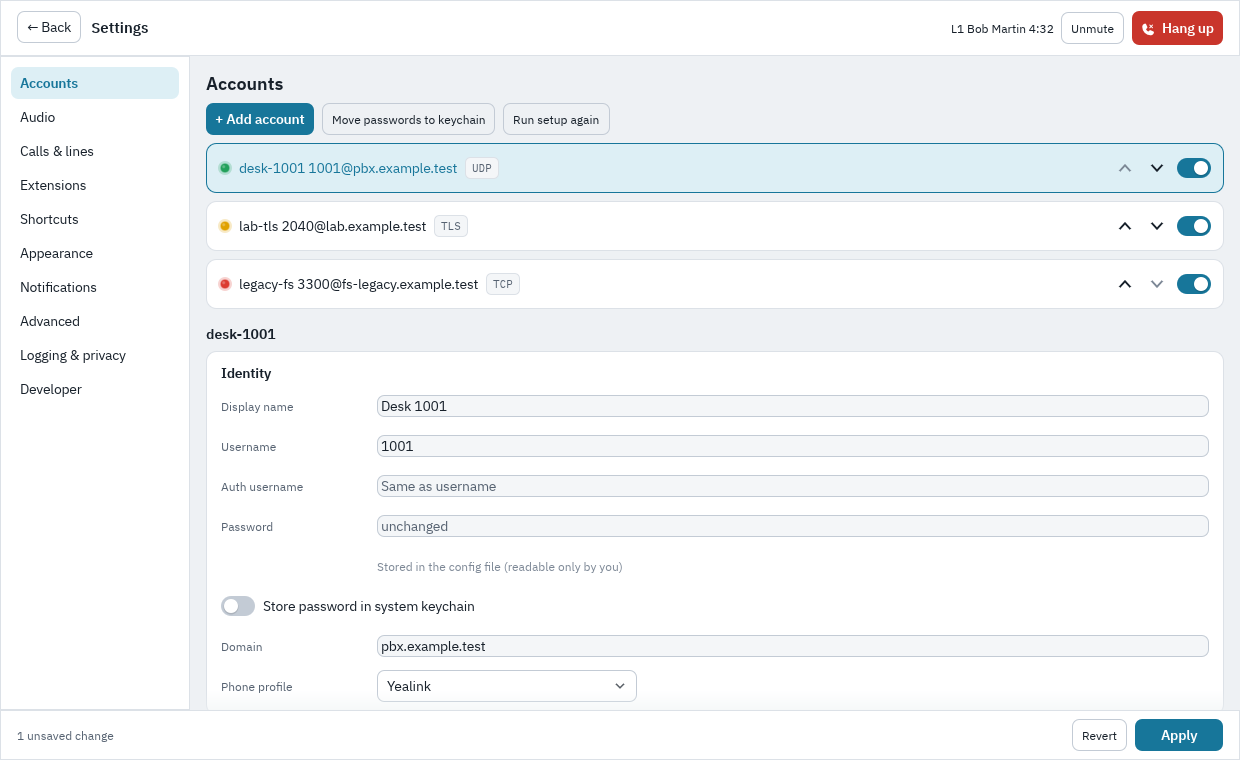
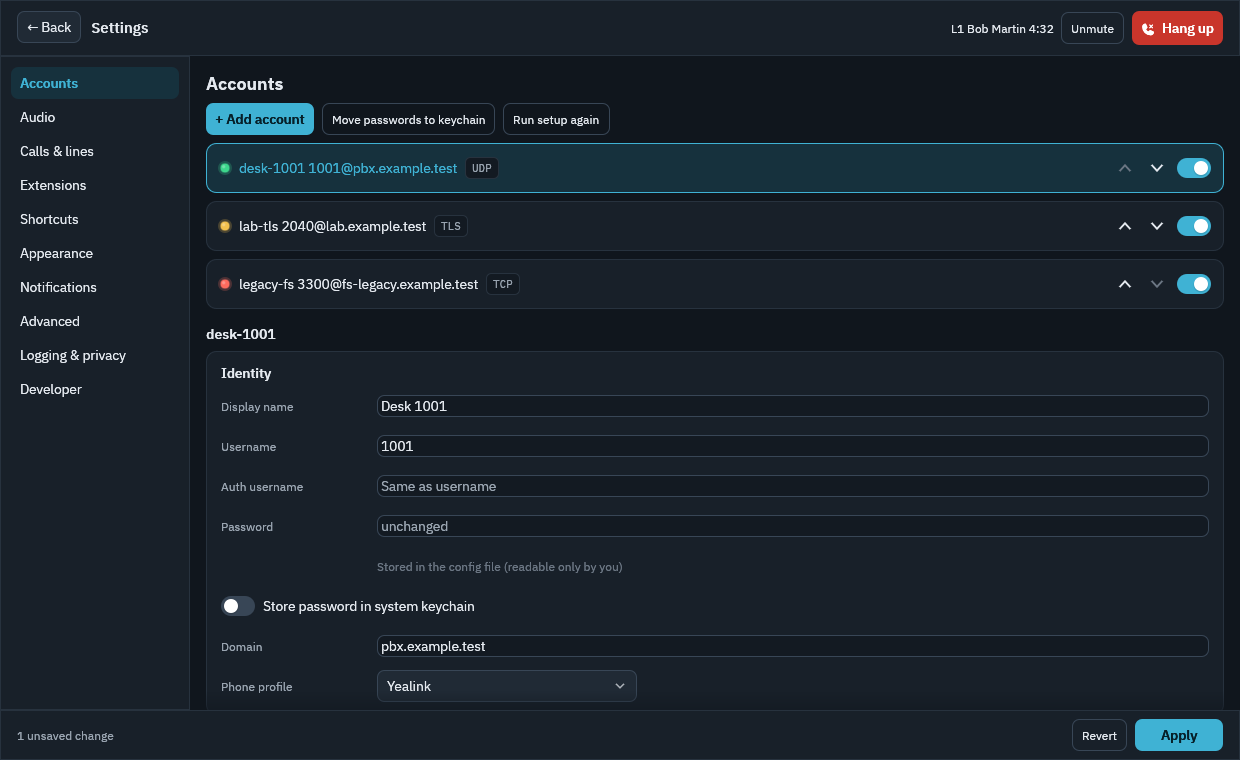
Next: Making and taking calls.