
Making and taking calls
Dialing
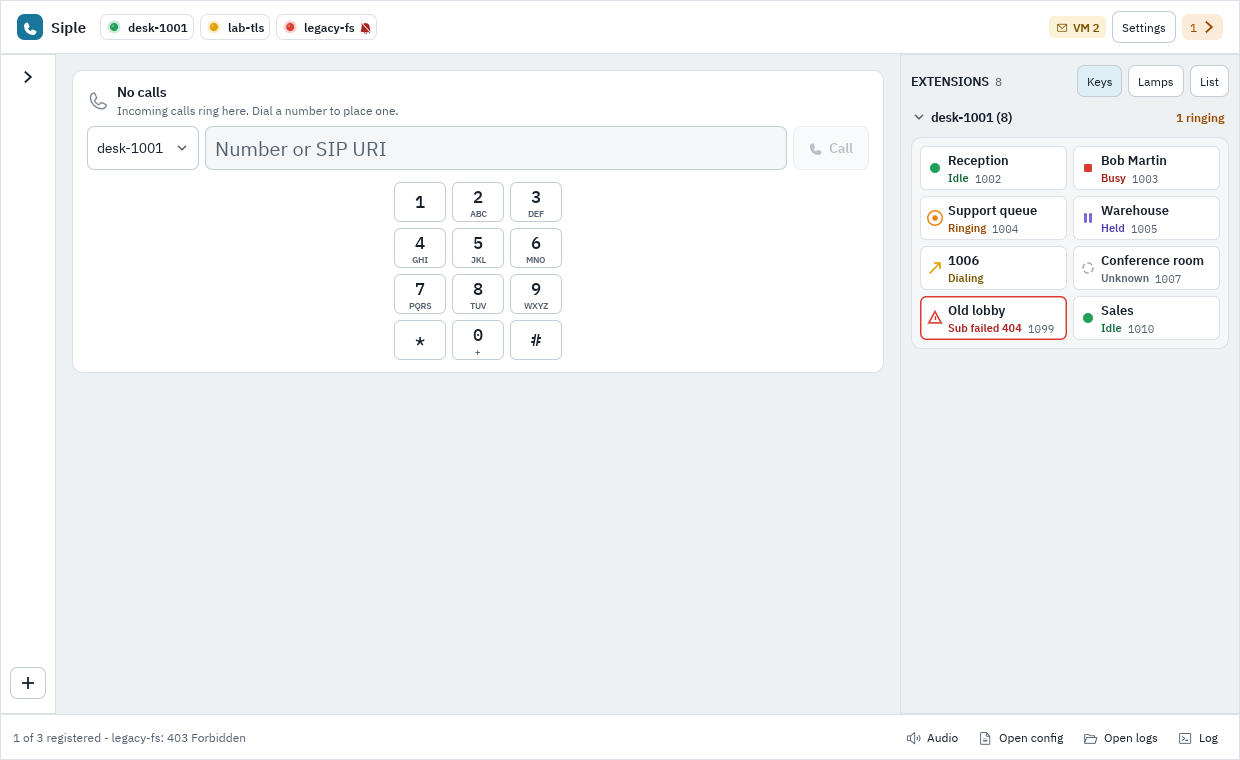
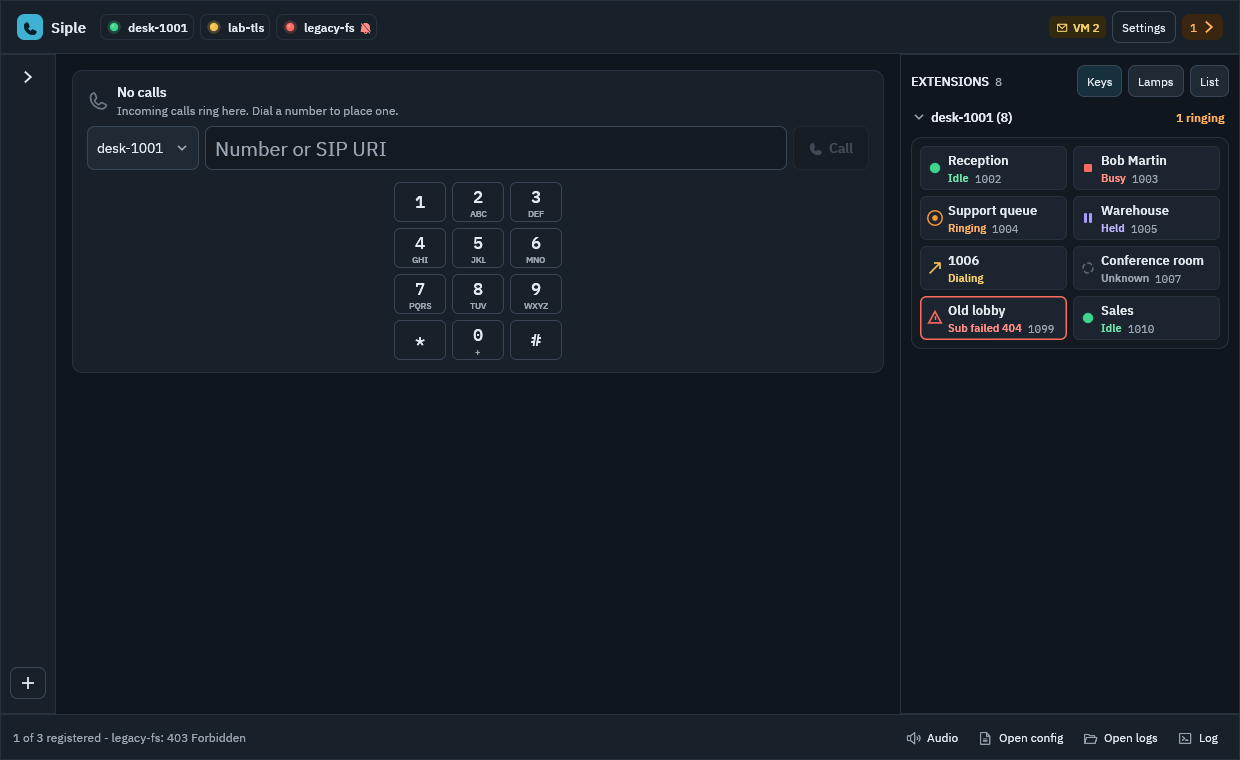
Type a number or SIP URI into the dial field and call, or click an extension key (see Extensions and BLF). Focus the dial field with Mod+L (Cmd on macOS, Ctrl elsewhere). While a line is active and no field has focus, typing digits, * and # sends DTMF instead.
Incoming calls
An incoming call offers Answer, Decline and Silence (dismisses the ringing banner; the call keeps ringing until it is answered, declined or ends). Decline sends a 486 by default; while another call is live it sends the code in [calls] decline_code (call waiting). Missed calls offer Call back.
Several lines
Siple handles several concurrent calls on one or more accounts, but only one device-bound call is live at a time: when you answer, dial or select another call, the others are put on hold automatically ([calls] hold_scope limits this to one account; per account, auto_hold = false opts out). Calls that use no audio device (agent calls) are exempt.
- Select a line with
Mod+1toMod+9, orMod+[andMod+]for previous and next. Selecting a held line makes it the active one. - Hold and resume with
Mod+Shift+H. Resuming swaps lines: it never leaves two live calls. - Mute with
Mod+Shift+M. Hang up the selected line withMod+Shift+E.
Call waiting
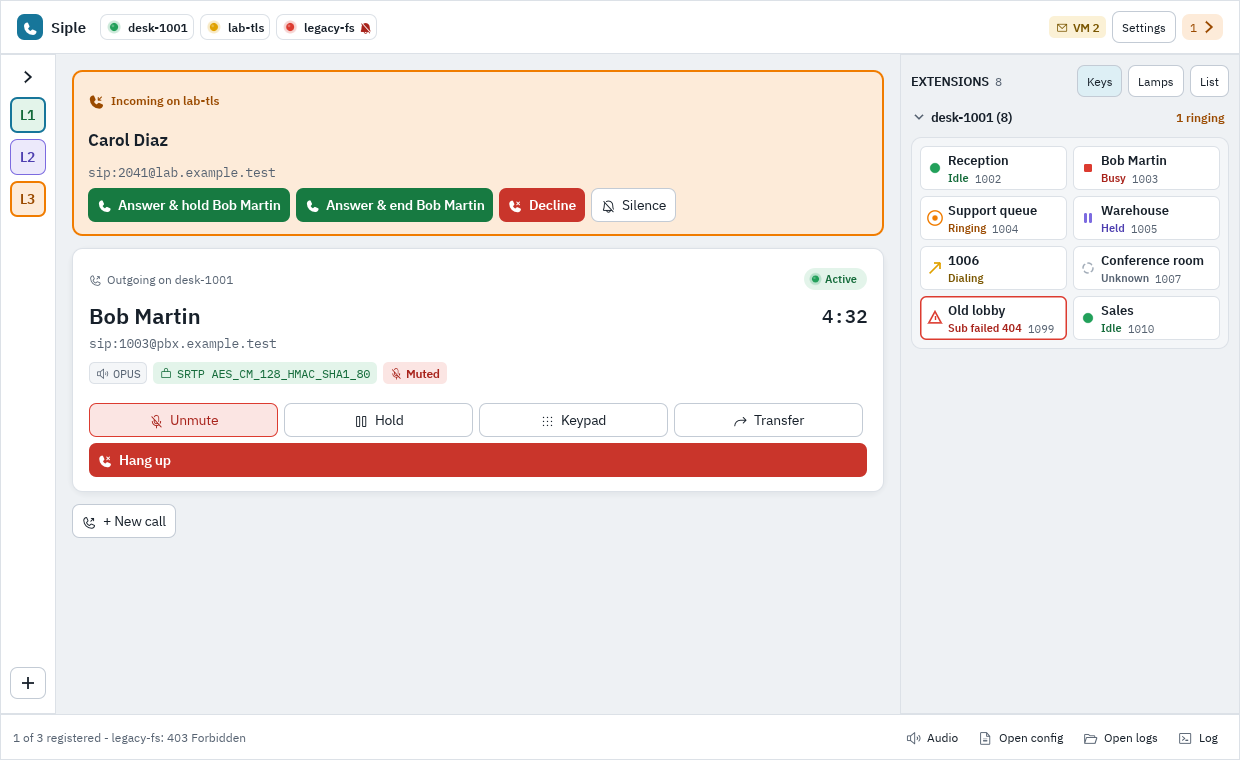
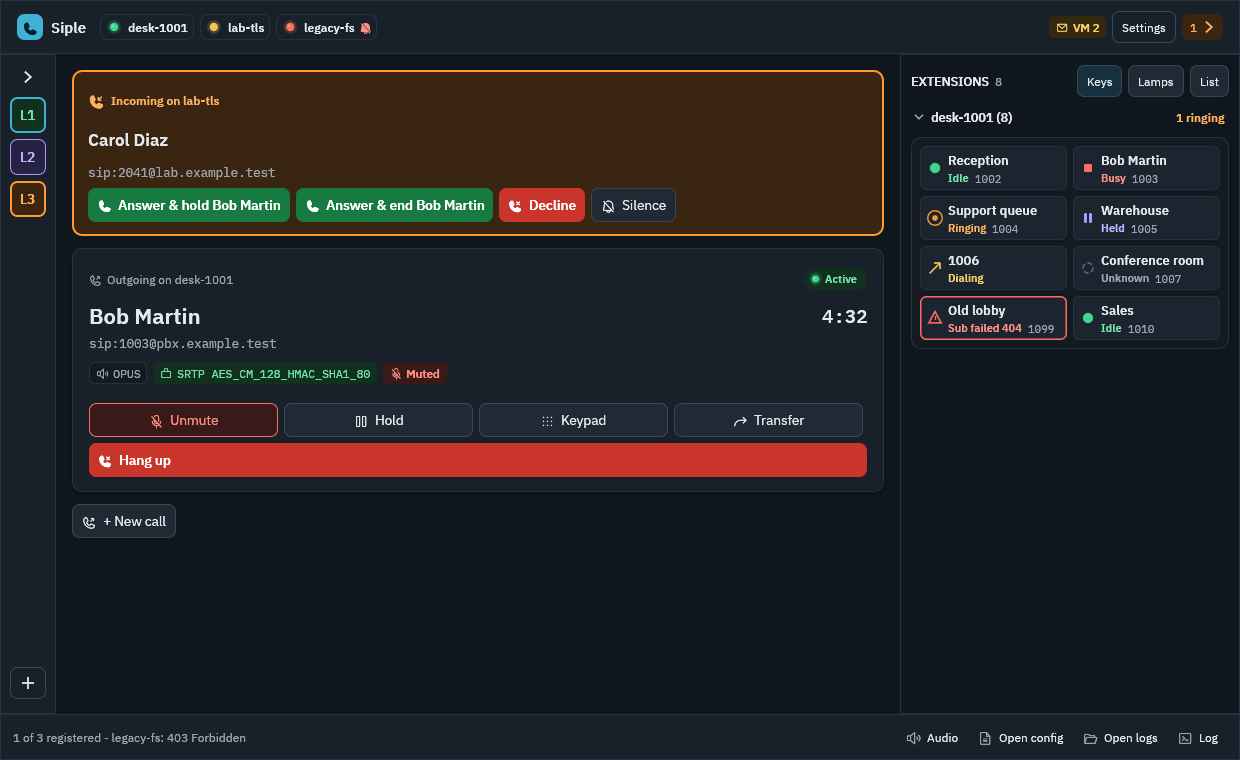
When a call comes in during another, the incoming card offers:
- Answer: answers the new call and puts the current one on hold (the safe default).
- Answer & end: ends the current call and answers the new one.
- Decline and Silence.
Mod+Shift+A answers the selected ringing call, else the newest ringing one; with another line live it answers and holds.
Do not disturb and auto-answer
Per account: dnd, auto_answer (with answer_delay_ms, and allow_intercom for intercom calls). See the [[account]] reference.
Next: Transfers.